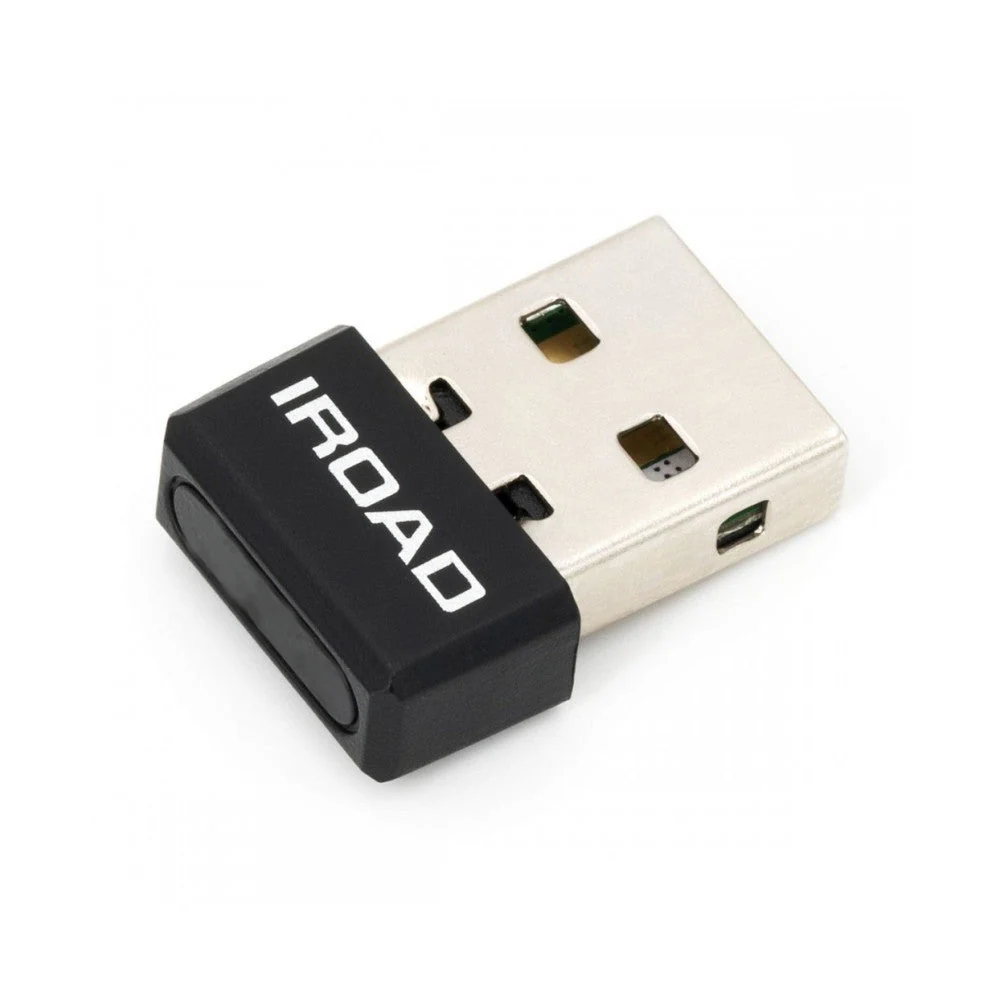
IROAD WIFI-DONGLE Genuine Wi-Fi USB Dongle Suit IROAD Dashcam
The Best Wi-Fi Dongle For Your IROAD Dashcam!
Wi-Fi Dongle (Genuine)
This is compatible with the full range of IROAD dash cameras. This enables you to communicate with your camera via the Android or iPhone app.
Available Product: IROAD Q9/Q7/T9F/T9/T10/V9/V9s2/V7/T8/A4/AEV
Important Information: Before you purchase a new Wi-Fi dongle for your dashcam. Please try the following troubleshooting steps:
- Press and hold the small power button located on the Dashcam for just over 1 second. You will hear a small beep sound come from the camera, followed by “Wi-Fi Power is On (or Off).
- You can now press the large pairing button and connect as normal.
Note: If you hold down the small power button for too long, the dashcam will power down. If so, allow the dashcam to turn off and turn back on to try again. - If you are still experiencing Wi-Fi issues, Please call 1300 818 622 to talk to an IROAD technician, who will be able to run through some extra steps to get you back up and running.
Original: $19.88
-65%$19.88
$6.96Product Information
Product Information
Shipping & Returns
Shipping & Returns
Description
The Best Wi-Fi Dongle For Your IROAD Dashcam!
Wi-Fi Dongle (Genuine)
This is compatible with the full range of IROAD dash cameras. This enables you to communicate with your camera via the Android or iPhone app.
Available Product: IROAD Q9/Q7/T9F/T9/T10/V9/V9s2/V7/T8/A4/AEV
Important Information: Before you purchase a new Wi-Fi dongle for your dashcam. Please try the following troubleshooting steps:
- Press and hold the small power button located on the Dashcam for just over 1 second. You will hear a small beep sound come from the camera, followed by “Wi-Fi Power is On (or Off).
- You can now press the large pairing button and connect as normal.
Note: If you hold down the small power button for too long, the dashcam will power down. If so, allow the dashcam to turn off and turn back on to try again. - If you are still experiencing Wi-Fi issues, Please call 1300 818 622 to talk to an IROAD technician, who will be able to run through some extra steps to get you back up and running.